


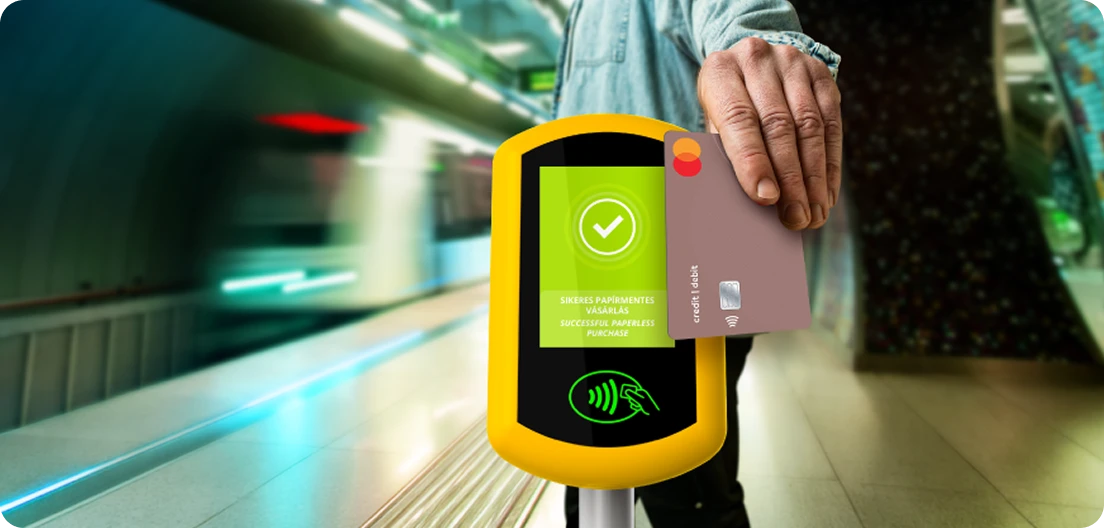
Tap your bankcard or compatible smart device on the Pay&GO terminal as you enter the metro station, and your journey can begin. With this single gesture, you not only purchase your single ticket but also validate it. Single tickets purchased and validated with Pay&GO can be used on metro lines M1, M2, M3 and M4; but airport shuttlebus single tickets are valid only on the 100E Airport Express bus and are not valid on other lines.
|
| No prior registration or app is required. Pay&GO tickets cost the same as if you had purchased them elsewhere. |
|
| Your ticket is validated at the time of purchase, so you can start your journey right away. The machine does not issue paper tickets. |
|
| The service is available on the metro network and the 100E Airport Express bus line. On the metro, you can purchase 1 single ticket with a single tap at the station entrance. On the airport bus, you can purchase up to 5 tickets at a time; the machine is located next to the door. |
|
| No need to worry about security: we process your payment anonymously and protect and encrypt your card details. You can review your purchase on the Pay&GO device or on the Customer Portal after your trip. |
|
| During inspection, tap the bankcard or smart device you used to purchase your ticket against the inspector's checker. The process is secure; the device will not deduct any money during inspection. |

How to use it
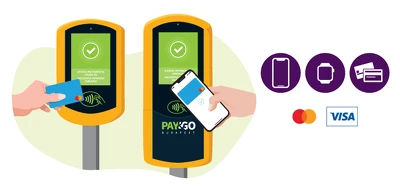
Tap your bankcard or smart device to the terminal and wait for confirmation that your purchase was successful.
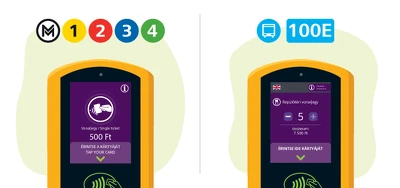
Travel with Pay&GO on any metro line or the 100E Airport Express bus; you can purchase up to one ticket at a time on the metro and up to five tickets at a time on the bus
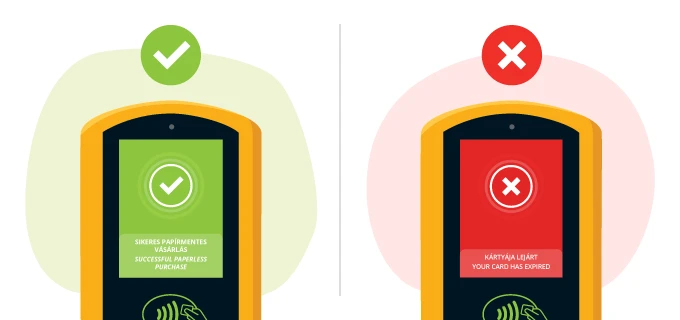
A successful purchase is also a successful validation—your trip can begin without paper ticket! If your purchase was unsuccessful, please check your bankcard.
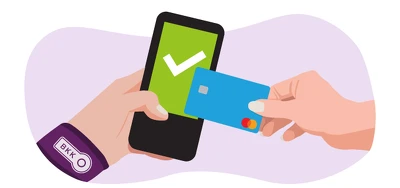
During inspection, tap the bankcard or smart device you used to purchase your ticket against the inspector's checker.
Please select the English subtitle.
Customer Portal
On the Budapest Pay&GO Customer Portal, you can check which tickets you have purchased using your bankcard or smart device. If needed, you can download a transaction receipt or request a VAT invoice.
Frequently Asked Questions
Using the Budapest Pay&GO service
Questions regarding payment
Ticket inspection
Questions about the Customer Portal
Request an invoice
If you encounter any problems